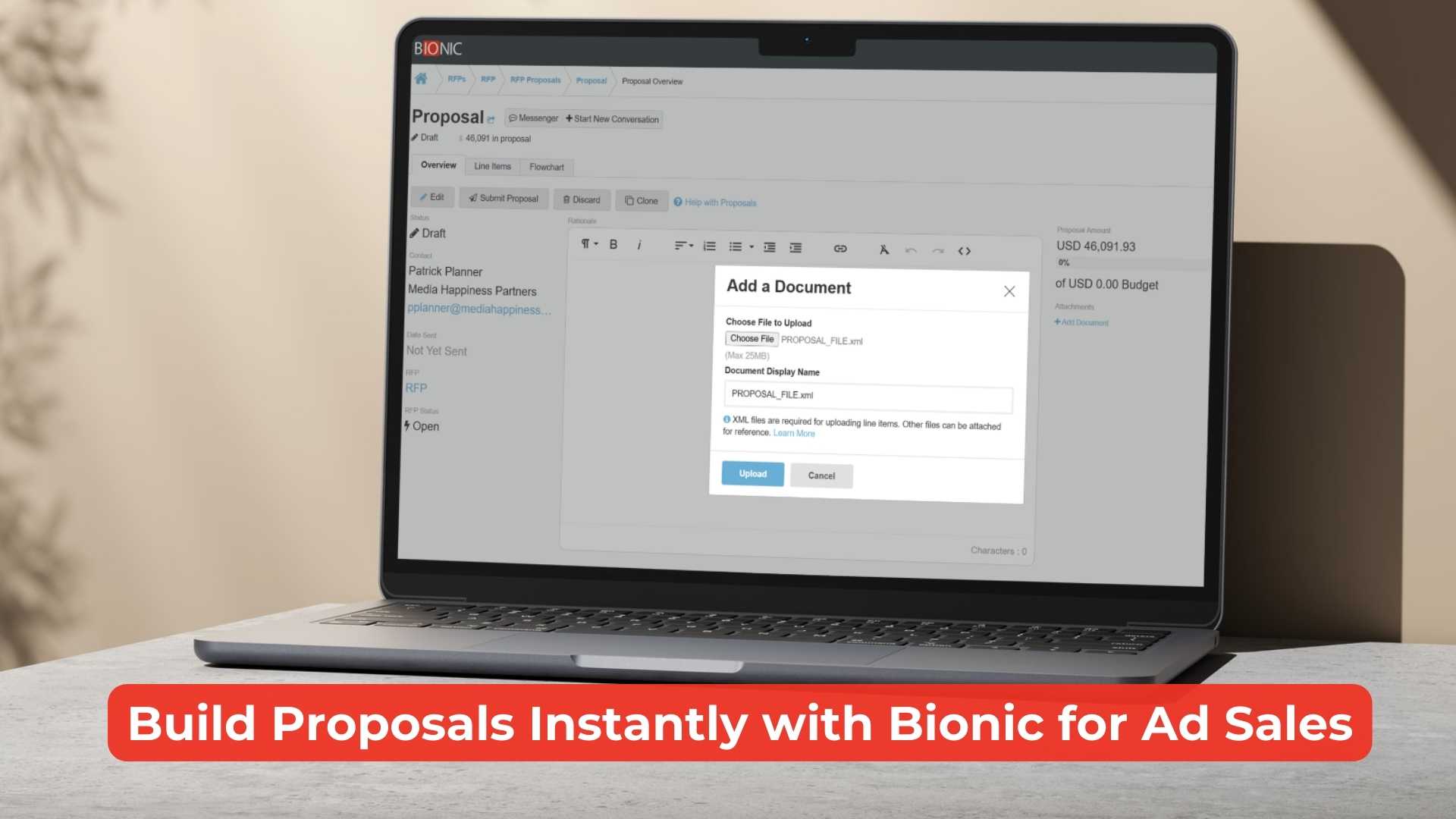
With Bionic for Ad Sales, you now have a faster and more intuitive way to respond to RFPs by uploading Proposal XML files.
Send Proposals with Your Workflow
As a Bionic for Ad Sales user, you’ve always had the ability to upload Proposal XML files to populate your line items for a proposal. Until now, this could only be done through the Line Items tab of the proposal. However, many sellers were naturally using the Add Document button in the Overview tab to attach their XMLs, expecting that to generate line items as well.
We’ve now updated the platform to support XML uploads directly from the Overview tab. If you upload a valid Proposal XML via the Add Document link, Bionic will automatically extract and populate line items, no need to switch tabs, saving you time.
How It Works
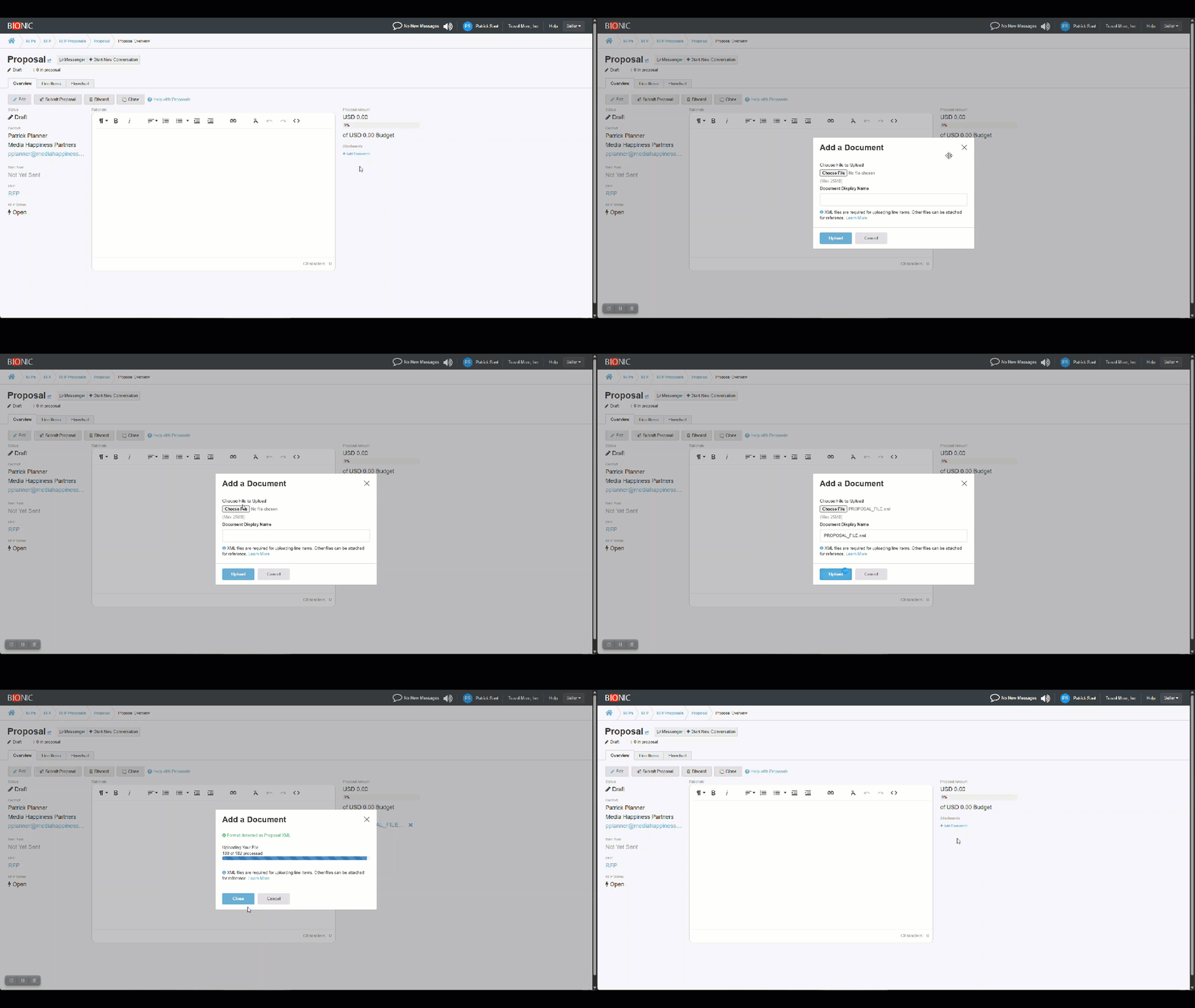
- XML files uploaded from the Add Document button automatically create proposal line items.
- Non-XML files uploaded (e.g., PDFs, XLS, CSVs) simply attach for reference.
- Invalid or unsupported files will notify you of any error messages.
The upload dialog has been updated to clarify this behavior. You’ll see messaging that explains what’s supported and what isn’t before you upload.
Why This Matters
Proposal XML uploads have been around before this update, but it’s now built around how you actually use the platform. By eliminating unnecessary steps and aligning with your expectations, this reduces friction and makes proposal submissions more efficient.
You’ll spend less time switching tabs and more time finalizing the details that matter.
This update is live for all Bionic for Ad Sales users.
If you have questions about how this new workflow works contact Bionic support to learn more.